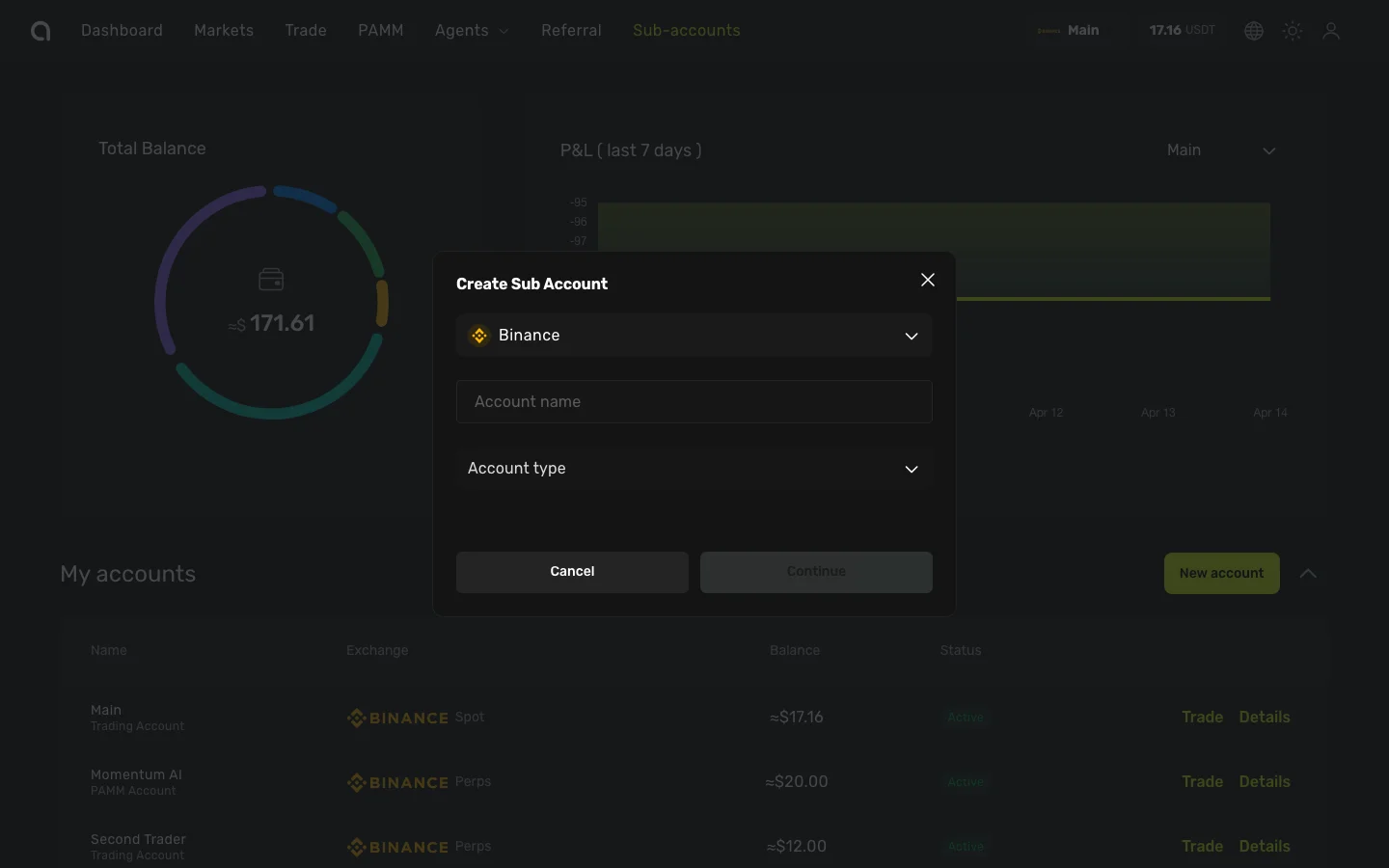
Account Types
Amabit offers two account types, each designed for a different purpose.
Trader Account
A Trader account is the standard account type for personal trading. Use it to:
- Trade spot and futures markets on Binance
- Set up TradingView signal automation via webhooks
- Connect trading bots via API keys
- Track your performance with detailed statistics
This is the account type most users will create. You can have multiple Trader sub-accounts with different strategies or market types (Spot vs Futures).
PAMM Account
A PAMM account is designed for users who want to manage capital on behalf of other users. As a PAMM manager, you can:
- Accept connections from other Amabit users
- Trade on behalf of connected PAMM members
- Set custom commission rates (Success Fee)
- Share your performance statistics publicly
- Manage member withdrawal requests
PAMM accounts have additional settings for:
- Minimum and maximum connection amounts
- Maximum number of members
- Vesting (lock-up) period
- Withdrawal processing rules
- Commission percentage and billing cycle
Learn how to create a PAMM account →
Which Account Type Should I Choose?
| I want to... | Choose |
|---|---|
| Trade for myself | Trader |
| Automate trades with TradingView signals | Trader |
| Connect trading bots via API | Trader |
| Manage other users' capital for a fee | PAMM |
| Connect to a professional trader's PAMM | Trader (then connect to a PAMM) |
TIP
You can create both account types under the same Amabit profile. For example, use a Trader account for personal trading and a separate PAMM account for managing capital. To create a new account, click New account on the Dashboard.