

Monitoring & Logs
Every signal received by your Amabit webhooks is logged with detailed information. Use the logs to verify execution, debug issues, and track performance.
Accessing Signal History
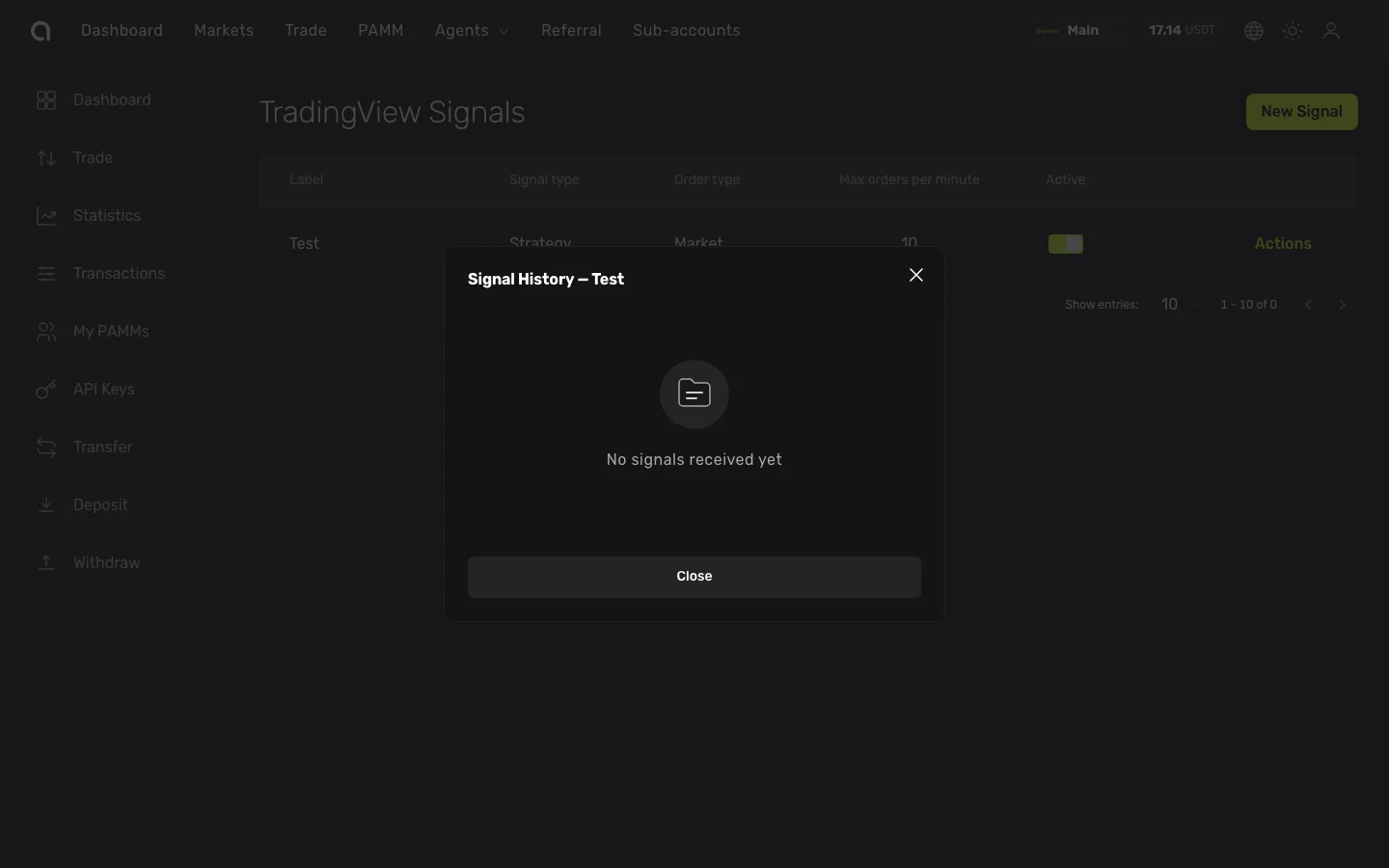
- In the top navigation bar, hover over Agents and click Signals
- Click Actions on the webhook you want to inspect
- Select History
- The Signal History dialog shows all received signals in reverse chronological order
Log Entry Details
Each log entry contains:
| Field | Description |
|---|---|
| Action | BUY or SELL |
| Symbol | Trading pair (e.g., BTCUSDT) |
| Quantity | Order quantity |
| Price | Execution price |
| Status | Result of the signal processing (see statuses below) |
| Error | Error message if the signal failed |
| Execution Time | Processing time in milliseconds |
| Timestamp | When the signal was received |
Signal Statuses
| Status | Meaning |
|---|---|
| Received | Signal was received by Amabit and is queued |
| Processing | Signal is currently being processed |
| Executed | Trade was successfully placed on Binance |
| Failed | An error occurred — check the error message for details |
| Deduplicated | Identical signal was received within 10 seconds of a previous one and was skipped |
| Rate Limited | Signal was blocked because the orders-per-minute limit was reached |
Common Issues and Solutions
Signal Received but Failed
| Error | Solution |
|---|---|
| Insufficient balance | Deposit more funds or reduce position size |
| Invalid symbol | Use Binance format without separators: BTCUSDT, not BTC/USDT |
| Position mode mismatch | Hedge Mode requires separate LONG/SHORT webhooks |
| Minimum order size | The order amount is below Binance's minimum notional. Increase quantity or use a larger % of balance |
| Reduce-only order rejected | You tried to close a position that doesn't exist. Check that the position is open before sending a close signal |
Signal Not Received (No Log Entry)
- Webhook URL incorrect — Double-check the full URL in TradingView alert settings, including the secret token
- Webhook disabled — Make sure the webhook is toggled on in Amabit
- TradingView alert expired — Free TradingView plans have limited active alerts. Check your alert status in TradingView
- Payload too large — The JSON payload must not exceed 10 KB
Deduplicated
The signal was identical (same action, symbol, and quantity) to one received within the last 10 seconds. This is a safety mechanism — not an error. If you expect rapid consecutive signals with the same parameters, add a unique order_id to each payload to prevent deduplication.
Rate Limited
Your webhook received more signals than the configured orders-per-minute limit allows. Options:
- Increase the rate limit in webhook settings (up to 60)
- Check TradingView for duplicate alerts that fire simultaneously
- If your strategy legitimately needs more than 60 orders/minute, consider splitting across multiple webhooks
Tips for Monitoring
- Check logs after initial setup — Send a test signal and verify it appears as "Executed" in the logs before relying on the webhook
- Review failed signals promptly — Each failure includes the specific error message
- Watch for "Deduplicated" entries — If you see many of these, your TradingView alert may be firing multiple times per bar
- Monitor during volatile markets — Signal frequency increases and balance can change rapidly, potentially causing "Insufficient balance" failures