

Quick Start Guide
Get from zero to your first trade on Amabit in just a few steps. This guide walks you through the entire process.
Step 1: Create Your Account
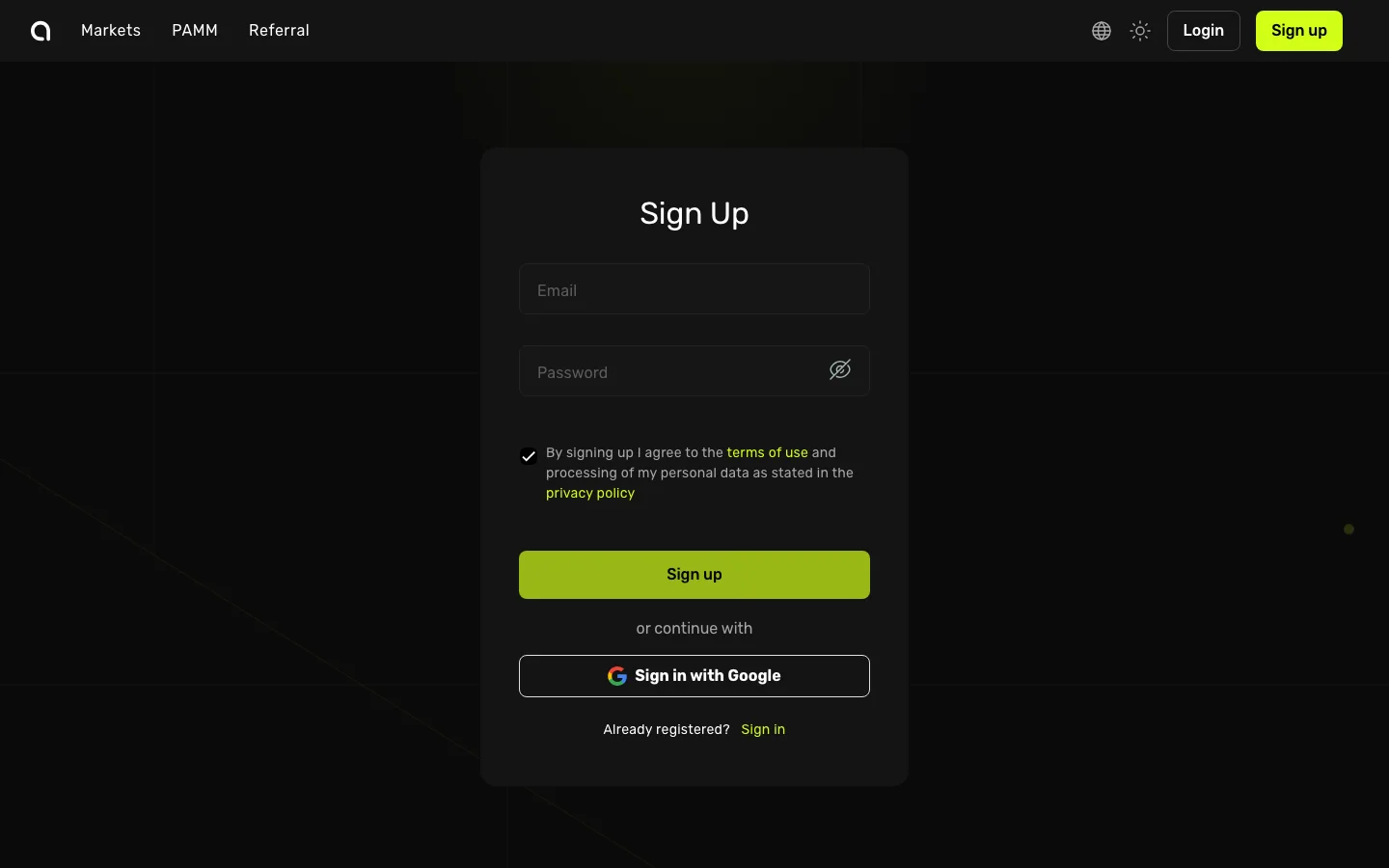
- Open the Amabit Sign Up page
- Enter your email address and create a strong password
- Check the box to agree to the Terms of Use, then click Sign up
- Open your email inbox, find the verification email from Amabit, and click the verification link to confirm your account
TIP
You can also click Sign in with Google for instant registration, or use the Telegram mini-app. Learn more about Telegram Login →
Step 2: Secure Your Account
After registration, enable Two-Factor Authentication (2FA) to protect your account:
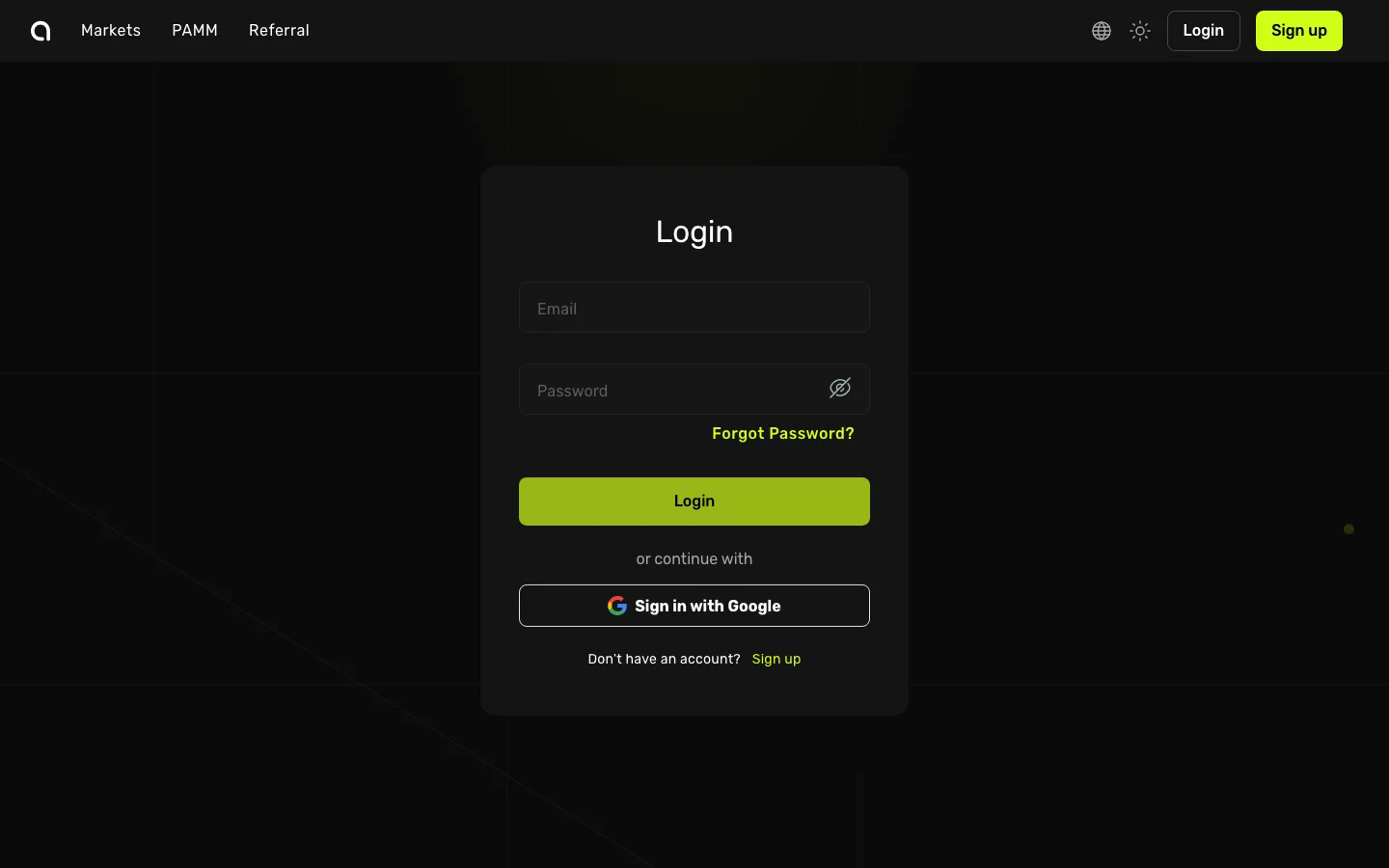
- Log in at amabit.io/auth/login
- Go to Security settings
- Click Turn on next to Google Authenticator
- Scan the QR code with the Google Authenticator app on your phone
- Enter the 6-digit code to confirm
2FA is required for withdrawals, API key management, and other sensitive operations.
Step 3: Complete KYC Verification
Identity verification is required before you can trade. After logging in:
- Go to your Dashboard
- You will see a verification prompt if your account is not yet verified
- Follow the steps to submit your identity document (passport, national ID, or driver's license)
- Wait for verification to be processed — this usually takes a few minutes
Step 4: Deposit Funds
- Go to Wallet and click Deposit
- Select a cryptocurrency (e.g., USDT) and a blockchain network (e.g., TRC-20)
- Copy the deposit address displayed on screen
- Open your external wallet or exchange, and send funds to this address
WARNING
Always double-check that the network you select on Amabit matches the network you are sending from. Sending funds on the wrong network may result in permanent loss.
Step 5: Place Your First Trade
- Click Trade in the top navigation to open the Trading Terminal
- Use the symbol selector at the top to choose a trading pair (e.g., BTC/USDT)
- In the order form, select Market (instant execution) or Limit (set your price)
- Enter the amount you want to buy or sell
- Click the green Buy or red Sell button
What's Next?
Now that you've placed your first trade, explore more of what Amabit has to offer:
- PAMM Accounts — Connect to professional traders and let them manage your capital
- TradingView Signals — Automate your trading strategies with webhook signals
- Take-Profit & Stop-Loss — Protect your positions with multiple TP and SL levels
- API Keys — Connect your own trading bots via the Binance API
- Partner Program — Earn lifetime commissions by referring users to Amabit