

Password Recovery
If you forgot your Amabit password, you can reset it in a few steps using your registered email address.
How to Reset Your Password
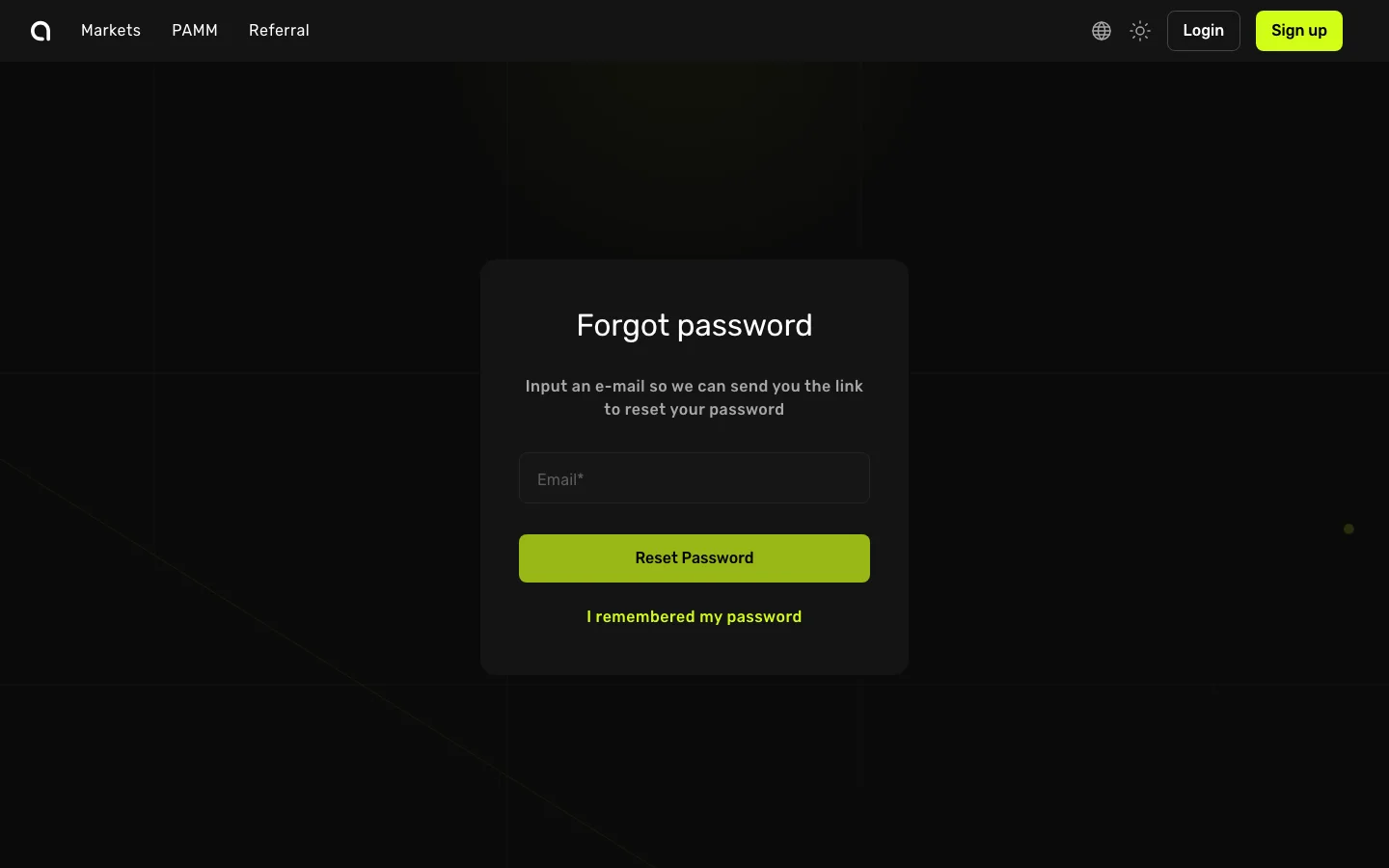
- Go to the Amabit Login page
- Below the password field, click the Forgot Password? link — this takes you to the password reset page
- In the Email field, enter the email address you used when you registered
- Click the green Reset Password button
- Open your email inbox and look for a message from Amabit with the subject "Reset your password"
- Click the reset link inside the email — it will open a page where you can set a new password
- Enter your new password, confirm it, and click Save
- You can now log in at amabit.io/auth/login with your new password
Important Notes
- 2FA still required — If you have 2FA enabled, you will still need to enter your Google Authenticator code after resetting your password
- Link expiration — The password reset link expires after a limited time. If it has expired, go back to the Forgot Password page and request a new one
- Check spam folder — If you don't see the reset email, check your spam/junk folder
Can't Access Your Email?
If you no longer have access to the email address associated with your Amabit account, contact Amabit support for assistance with account recovery.