

How to Withdraw Funds
Withdrawing funds from Amabit sends cryptocurrency from your account to an external wallet address.
Prerequisites
Before you can withdraw:
- 2FA must be enabled — Set up 2FA if you haven't already
Step 1: Select Currency
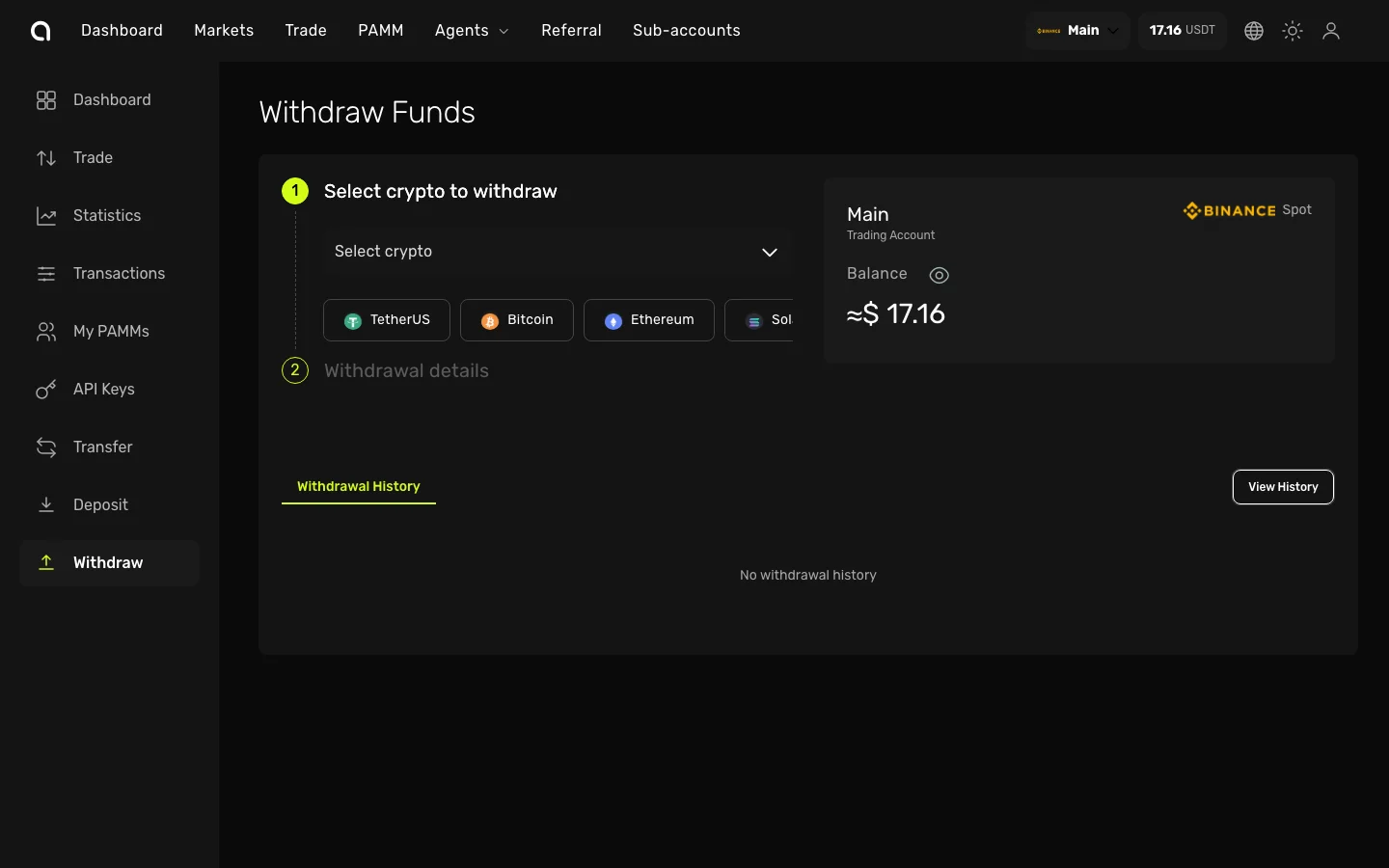
- Open the Account Dashboard for the account you want to withdraw from
- Click Withdraw in the left sidebar
- In the Select crypto dropdown, choose the cryptocurrency to withdraw (e.g., USDT, BTC, ETH)
- Popular currencies are shown as quick-select buttons for faster access
Step 2: Select Network
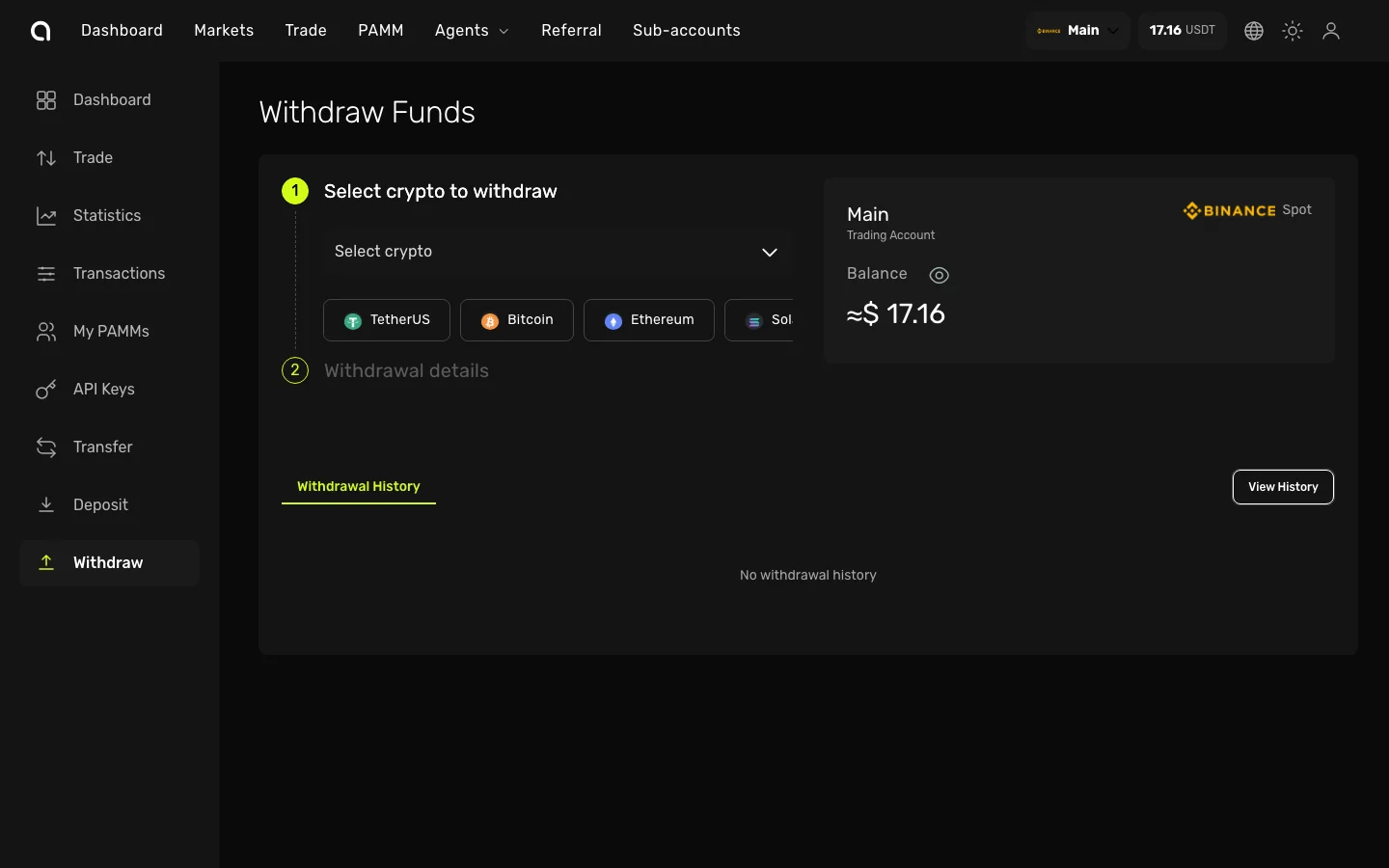
After selecting a currency:
- Choose the blockchain network for the withdrawal (e.g., TRC-20, ERC-20, BEP-20)
- Click the green Submit button to proceed to the withdrawal form
Step 3: Enter Withdrawal Details
- Enter the destination address — the external wallet address that will receive the funds
- If the network requires a Tag/Memo/Comment, enter it in the corresponding field
- Enter the amount to withdraw (click Max to use your full available balance)
The page displays:
- Available balance for the selected currency
- Minimum withdrawal amount for the selected network
- Network fee — deducted from the withdrawal amount
- Estimated total you will receive
Step 4: Verify and Confirm
- Click Withdraw
- A verification dialog appears requiring:
- Email verification code — sent to your registered email
- 2FA code — from Google Authenticator
- Review the withdrawal details (network, address, amount, fee)
- Click Confirm to submit
Step 5: Track Your Withdrawal
Monitor your withdrawal status by clicking View History on the withdrawal page:
| Status | Meaning |
|---|---|
| Pending | Withdrawal submitted, waiting to be processed |
| Processing | Being processed by the network |
| Complete | Successfully sent and confirmed on the blockchain |
Important Notes
WARNING
- Always double-check the destination address and network before confirming
- Blockchain transactions are irreversible — funds sent to the wrong address cannot be recovered
- Network fees vary between blockchains — TRC-20 is typically the cheapest for USDT
FAQ
How long does a withdrawal take?
Most withdrawals are processed within minutes, but processing time depends on the blockchain network and current congestion.
What are the fees?
A network fee is charged for each withdrawal. The exact fee is displayed before you confirm and varies by cryptocurrency and network.
Why can't I withdraw?
Withdrawals may be blocked if:
- 2FA is not enabled on your account
- Insufficient balance for the withdrawal amount plus network fee