

Your Connected PAMMs
After connecting to one or more PAMM managers, you can track all your positions from the Connected PAMMs section in your assets page.
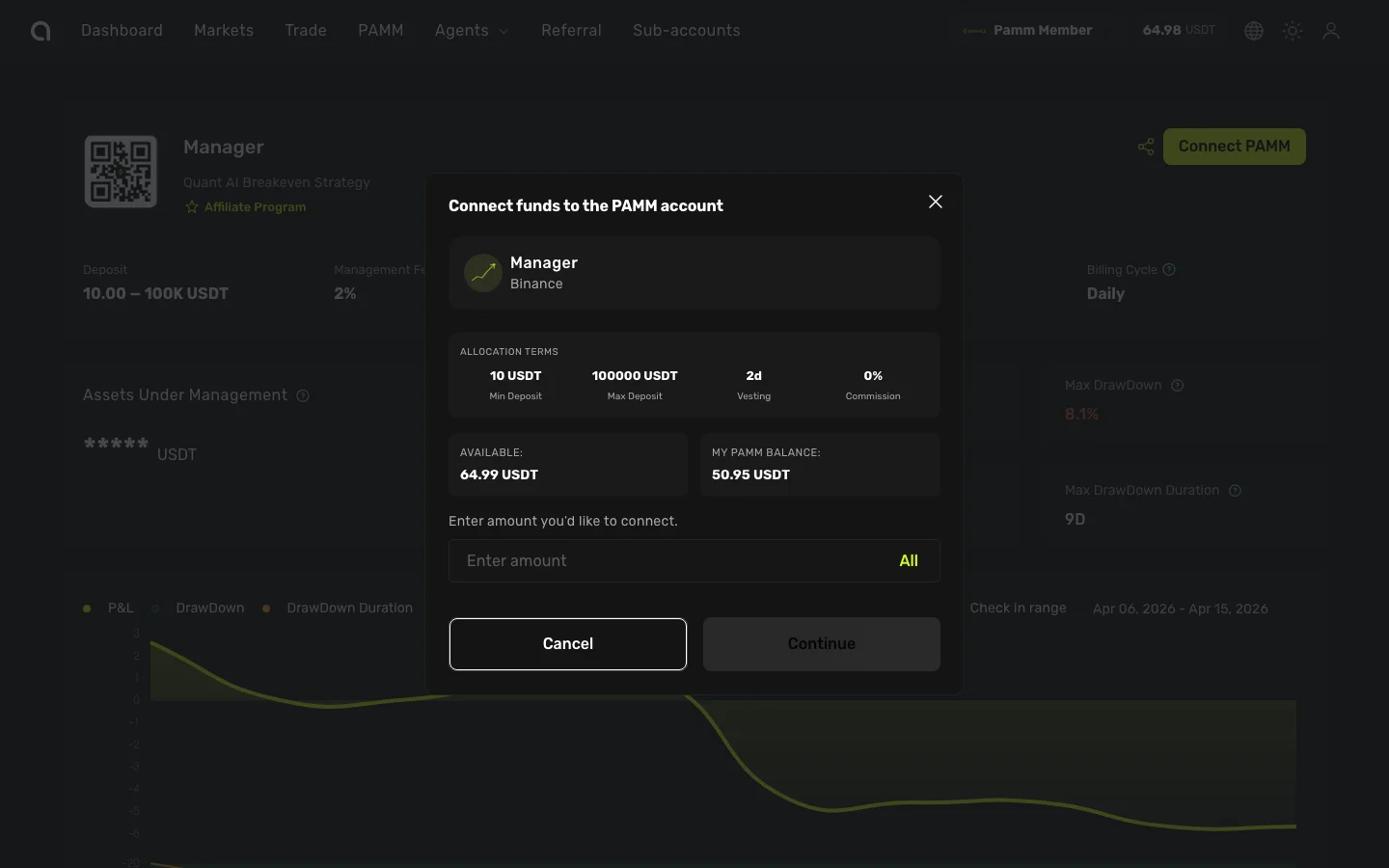
What You See
For each connected PAMM, the dashboard shows:
| Column | Description |
|---|---|
| Manager | Name and avatar of the PAMM manager |
| Current Value | Current USD value of your position |
| Connected Amount | The original amount you allocated |
| Portfolio % | What portion of your total capital is in this PAMM |
| ROI | Return on your connected amount (profit/loss percentage) |
| Pending Withdrawals | Any active withdrawal requests |
Monitoring Performance
- ROI percentage shows your actual return since connecting
- Current Value reflects the real-time value including any unrealized P&L
- Check performance regularly but avoid making impulsive decisions based on short-term fluctuations
Actions
From your connected PAMMs view, you can:
- View Statistics — Open the manager's full statistics page with charts and performance data
- Request Withdrawal — Start the withdrawal process → Withdrawal guide
Connected to Multiple Managers
If you've connected to several managers, the portfolio view helps you see:
- Total capital across all PAMMs
- Portfolio allocation by manager
- Comparative ROI across different managers
This helps you identify which managers are performing well and where to reallocate capital.