

Profile Settings
Your Amabit profile contains your personal information and display preferences. Access it from the sidebar under Profile or go directly to amabit.io/profile.
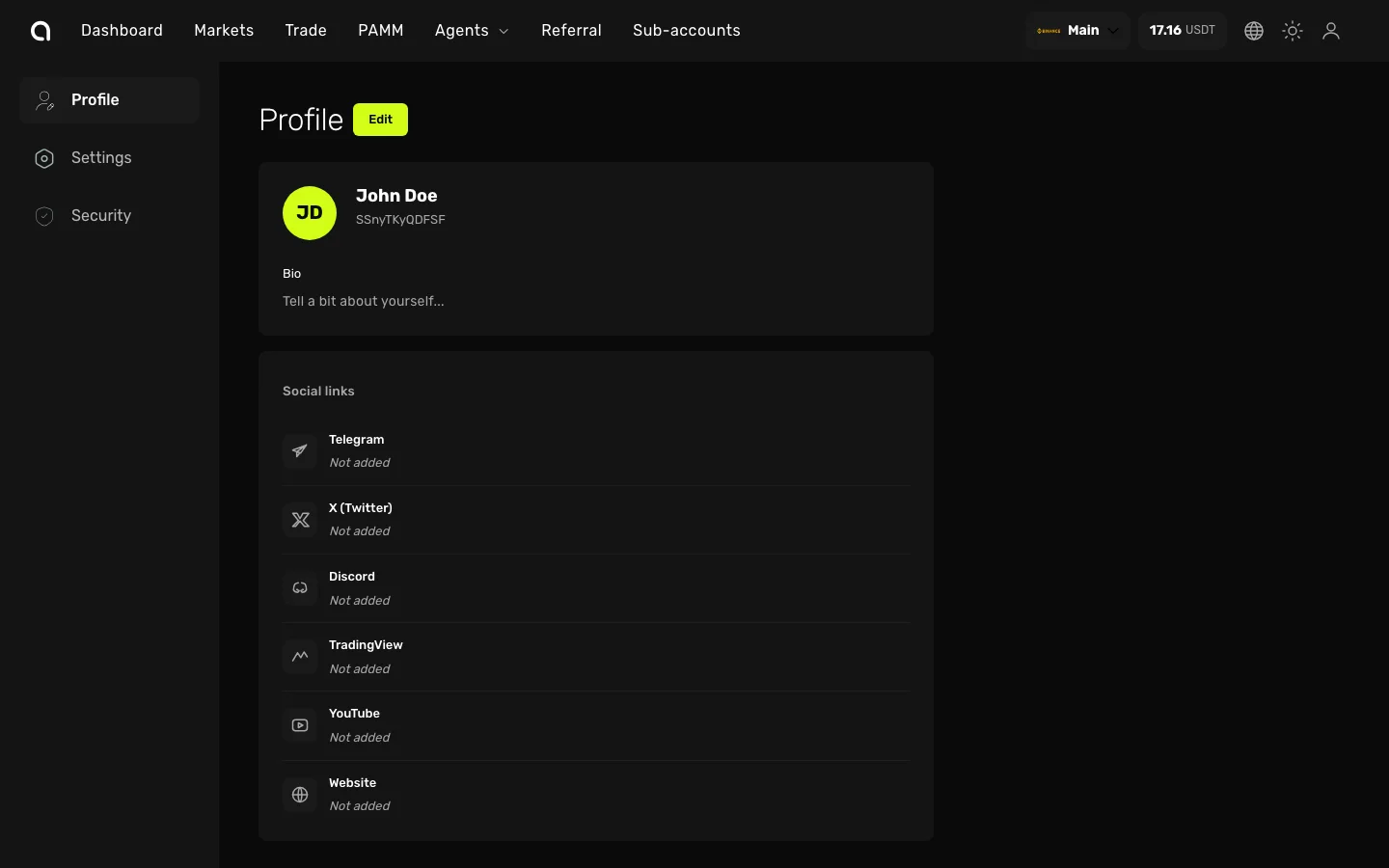
Profile Information
Click the Edit button to update your profile. You can change:
- First name and last name — Displayed across the platform and on your public profile
- Bio — A short description about yourself (visible to other users)
- Avatar — Upload a profile picture (supports cropping and resizing)
- Referral code — Your unique code for referring others to Amabit (displayed below your name)
Social Links
Add your social media profiles so PAMM members and referrals can find you:
- Telegram
- X (Twitter)
- Discord
- TradingView
- YouTube
- Website
Click on any link to add or edit it.
Settings
Navigate to the Settings tab in the left sidebar to configure:
- Language — Switch between English and Russian
- Display Currency — Choose the currency for showing values across the platform
Security
The Security tab takes you to the Security settings page where you manage 2FA, sessions, and login history.